Executing Trades
Trading activities on the platform involve preparing and sending market and pending orders to be executed by the broker, as well as managing current positions, modifying them, or closing them. In the platform, you can view your account's trading history, configure alerts for market events, and more.
Opening Positions
Entry or opening a position primarily involves buying or selling a certain amount of financial instruments. In the trading platform, you can place three types of orders
Full Margin and Isolated Margin
After selecting the order type, you can click below to choose the margin type
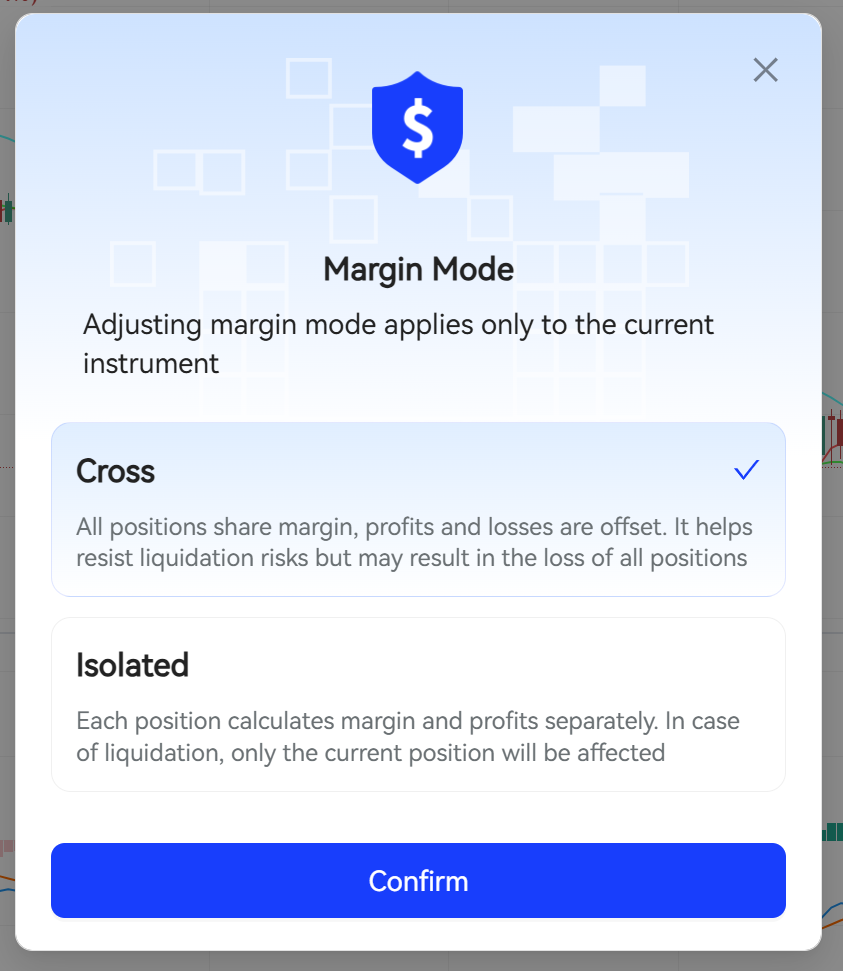
The "Isolated Margin" configuration must be enabled for the corresponding account group to adjust the margin mode
Floating Leverage
After selecting the order type, you can adjust the leverage multiplier below
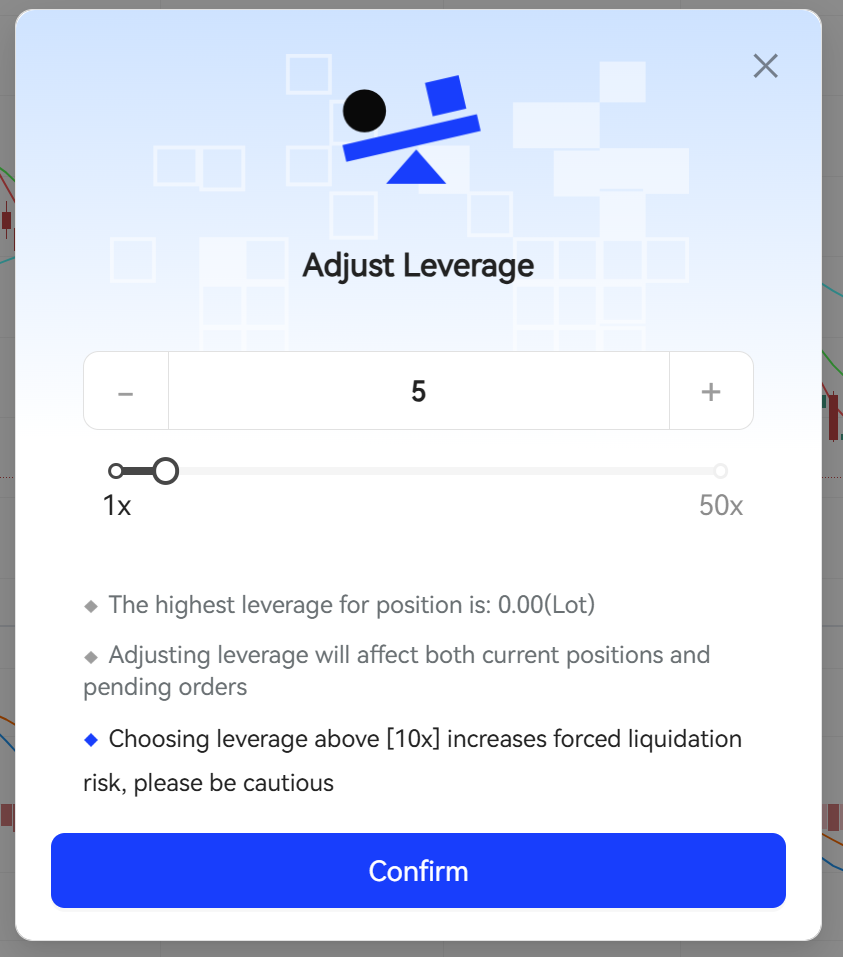
The "Custom Leverage" configuration must be enabled for the corresponding account group to adjust leverage
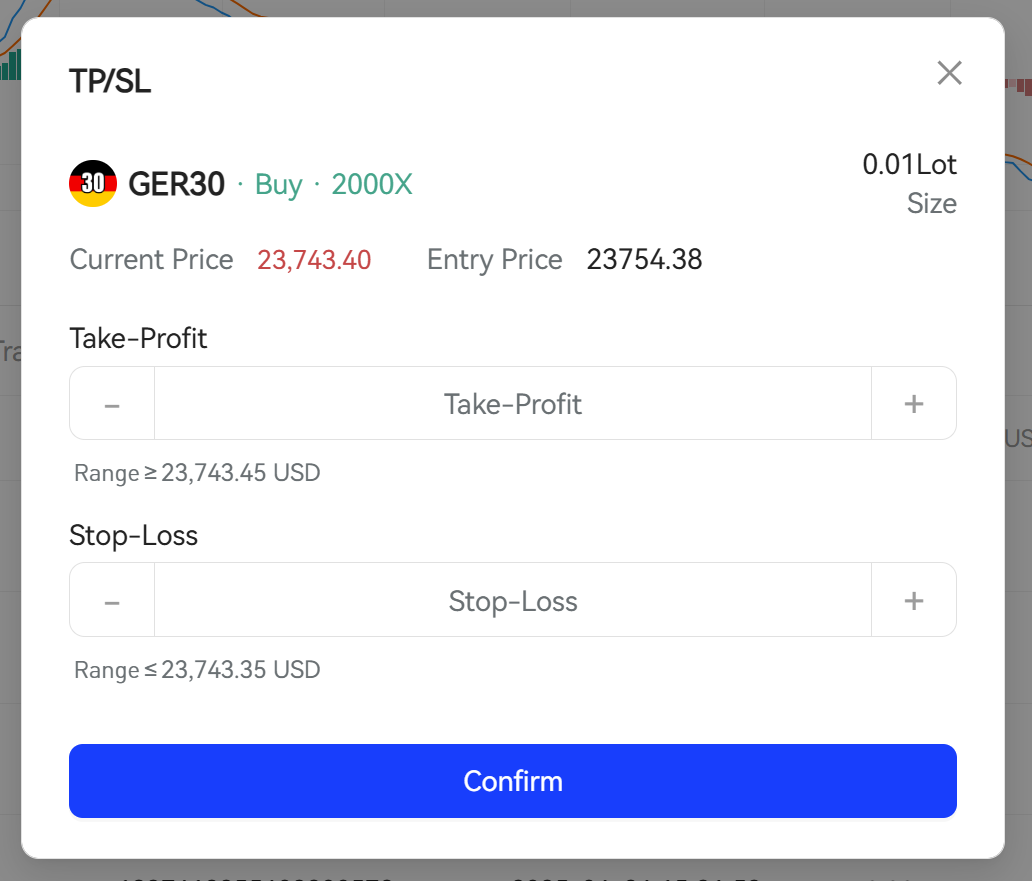
Take Profit and Stop Loss
Take profit and stop loss can be set when placing an order
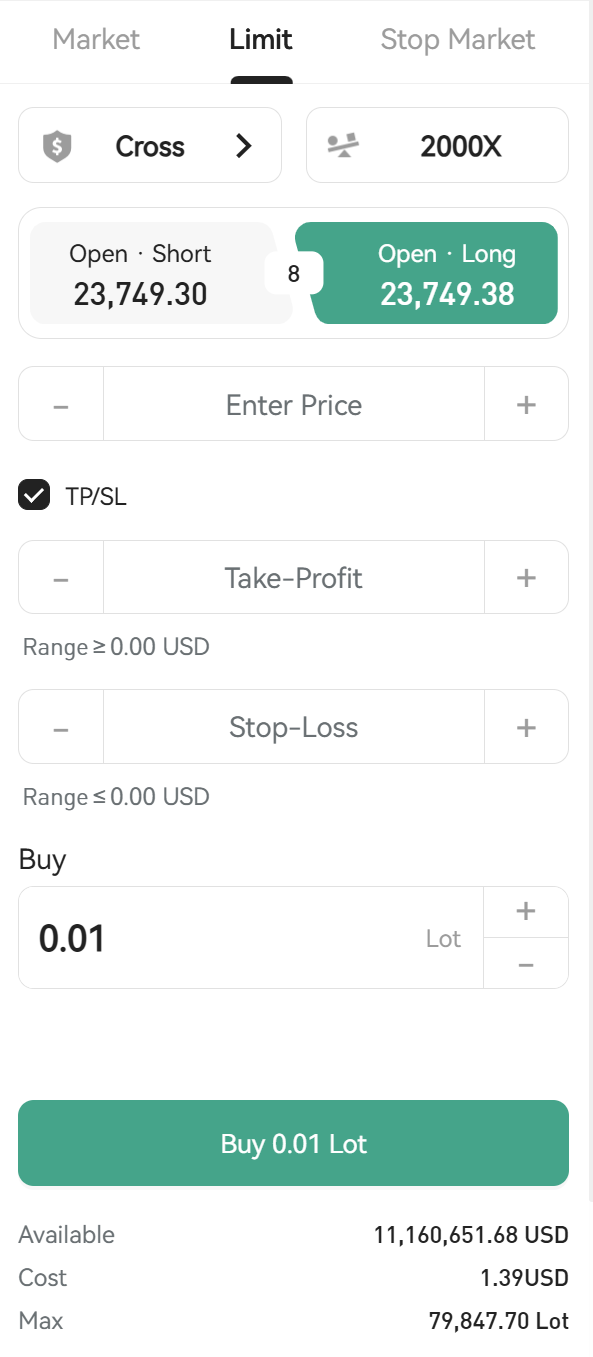
After placing an order, you can also adjust it in the order list
Closing Positions
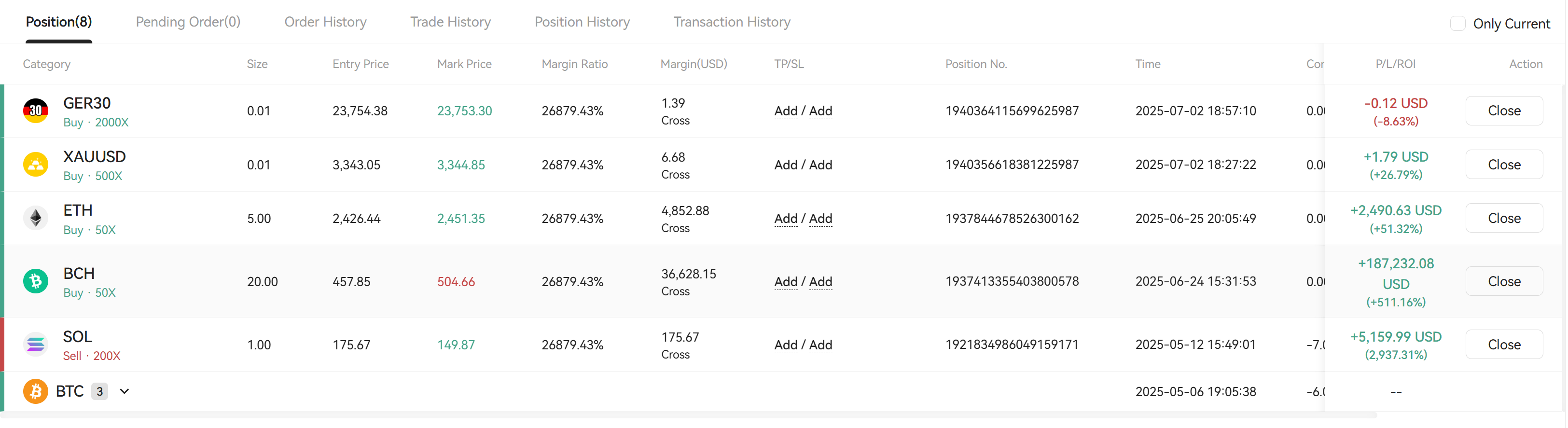
In the position list, you can close the corresponding position
Canceling Orders
In the pending order list, you can cancel the corresponding pending order

Adding Margin
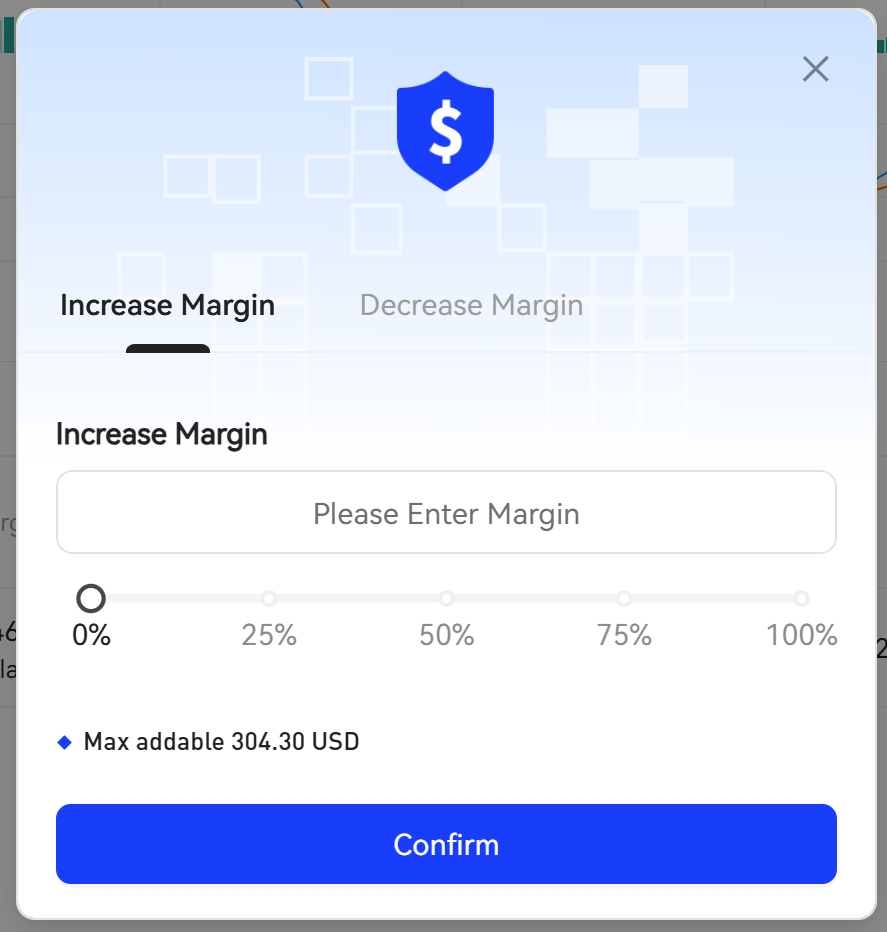
For isolated margin type orders, you can increase or decrease the margin