Account Login
Connecting to an Account
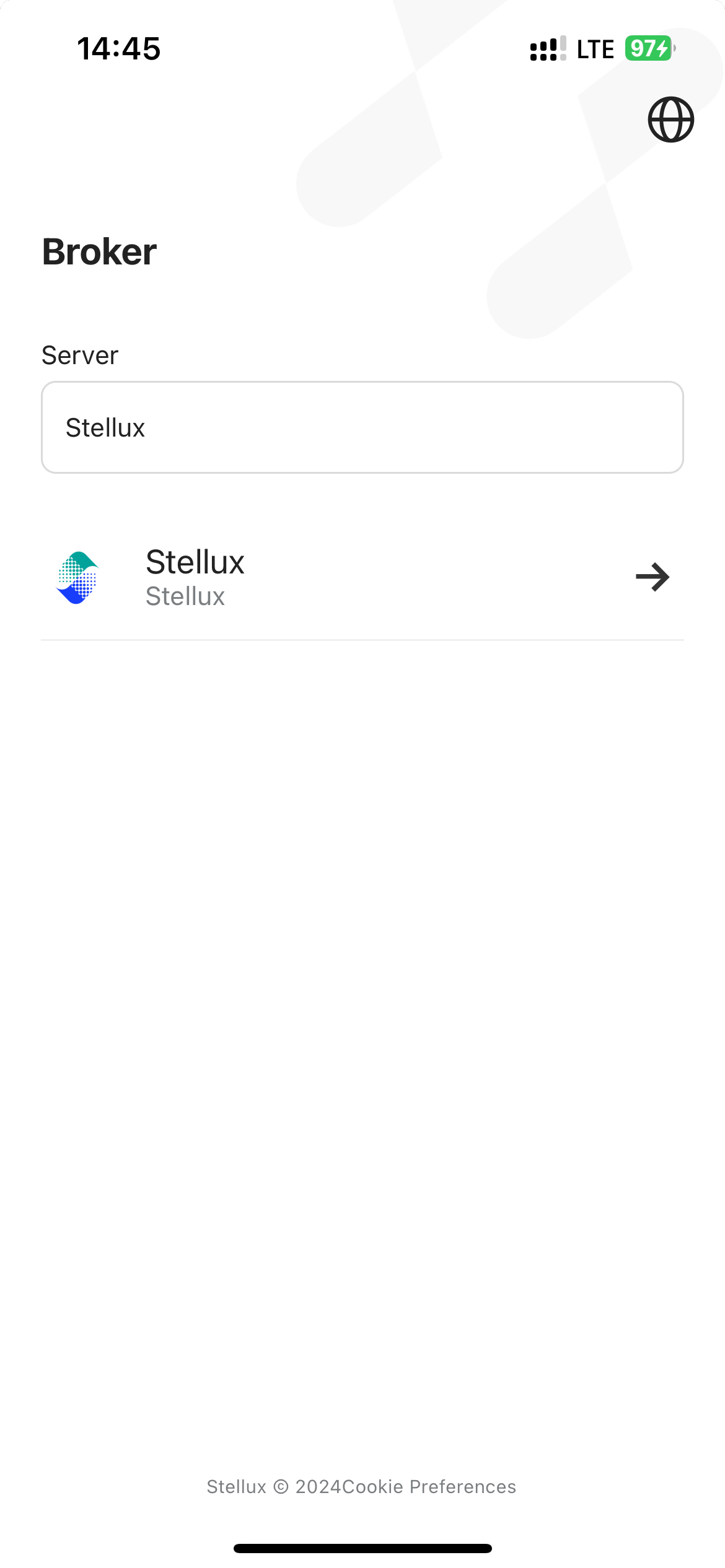
To connect to an account, you need the login name and password from your previously opened account. By default, the list does not show all available servers. To find your broker's server, enter its name in the search bar. The first search result appears after you enter three characters. You can contact your broker to get the corresponding server name.
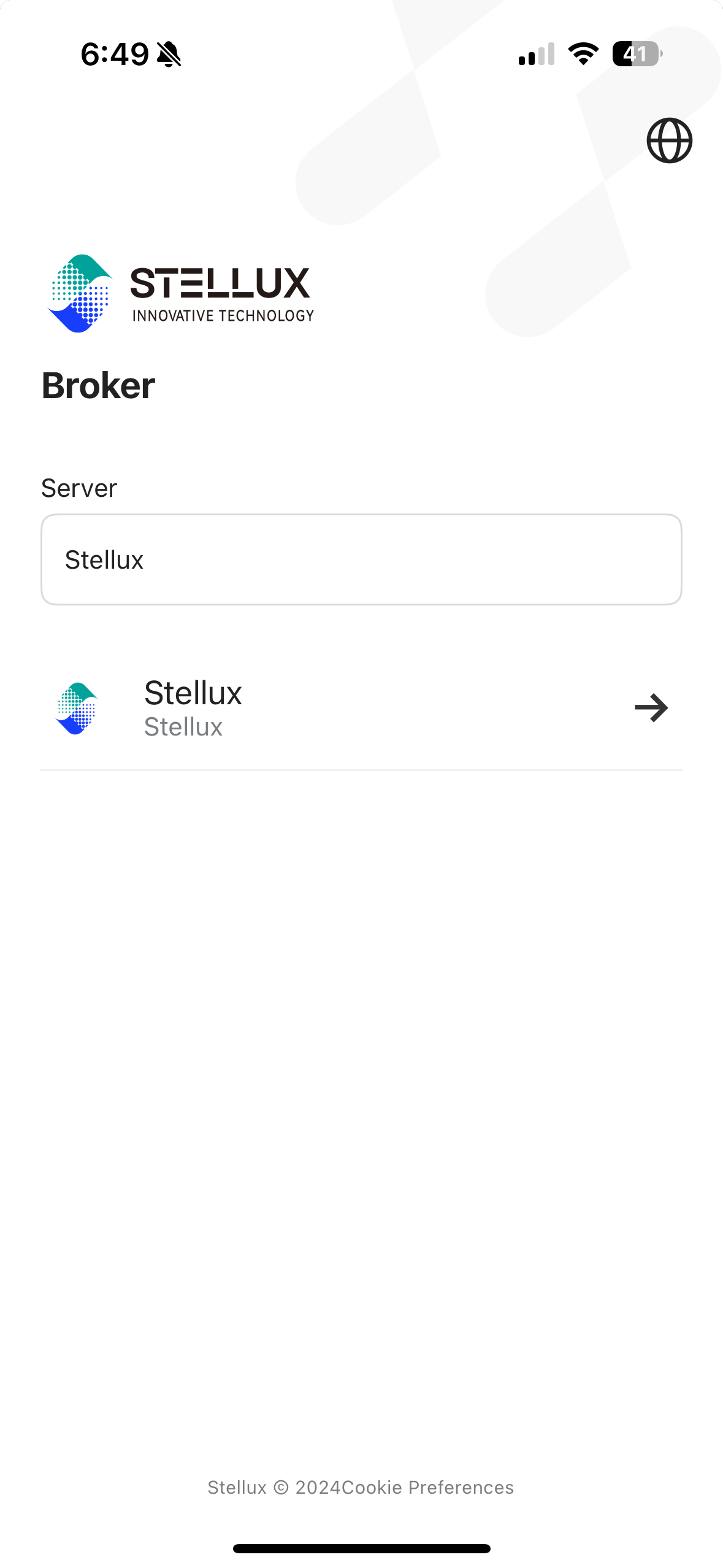
After selecting the server, specify the connection data in the "Use Existing Account" section.
-
Login Account ― Account number used for connection.
-
Password ― Main password or read-only password for the account. If you have forgotten your password or encounter other issues when trying to connect to your account, please contact your broker. To view your broker's detailed contact information, click "Forgot Password?" below the connection form.
-
Server ― Name of the server used for connection.